
iPhone Filmmaking Guide

Are you getting the most out of your phone’s camera features? You’ve invested so much money into this high end product and you’d be selling yourself short if you weren’t going to learn how to maximize it’s capabilities to their fullest potential.
It’s time to elevate your skills and this guide makes it incredibly affordable to learn how.
When You Join, You Will…

learn iphone color grading
You will learn the best way to color grade both directly on your phone as well as within DaVinci Resolve.

Excel in pro video apps
You will get in depth walk throughs of the Blackmagic Camera App, Filmic Pro and Beastcam.

Discover the SEcret sauce
You’ll learn the best kept secrets to truly getting the best images that you won’t see anywhere else.

understand camera movement
You’ll learn how to level up from boring, static clips and start moving the camera with purpose.

master manual exposure
Learn how the pros get the best exposure in any lighting scenario.

Connect With Michael
Send questions directly to Michael & receive video responses.
What’s included…
-
I want to help you understand some key technical concepts like tone mapping..
-
Before we dive into how to use the stock iOS camera app, its important to make sure you have the best settings turned on. We then jump through all 7 core native camera app types.
-
what does the iphone filmmaking workflow look like.
-
I will show you how to color grade directly on your phone as well as on the computer within DaVinci Resolve.
-
walkthrough everything you need to know about the Blackmagic Camera App.
-
Everything you need to know about using the Filmic Pro app.
-
Everything you need to know about using the Beastcam app.
-
Camera movement is one of the most important things to know in filmmaking. Get rid of static boring shots and understand the purpose of different types of camera movements.
-
Understand how to connect lenses and DOF adapters to your phone and why you may or may not want to use them.
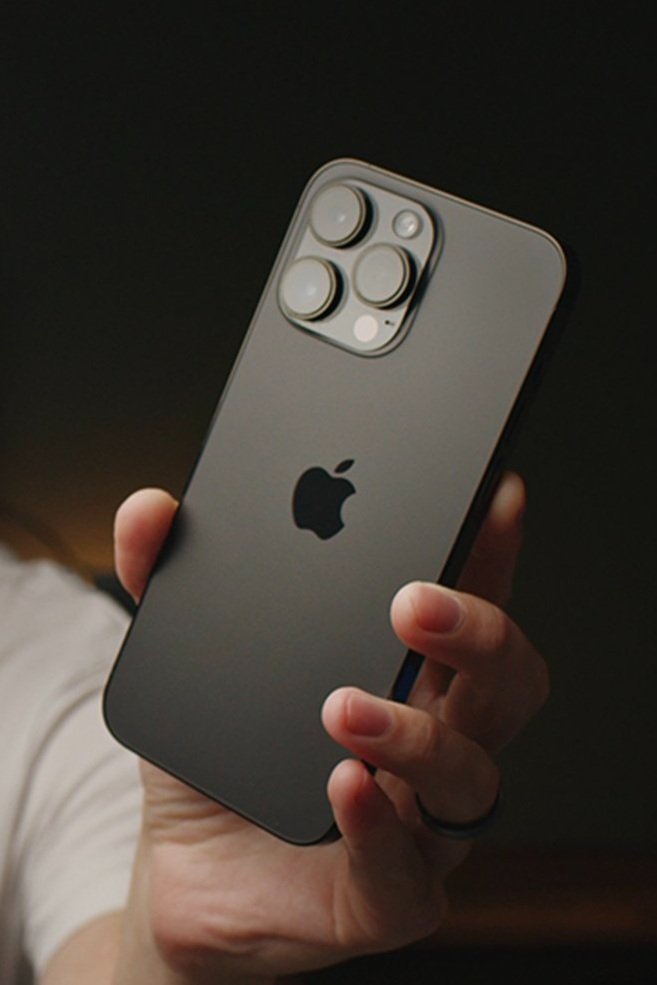

Level up your iPhone Filmmaking. Learn everything about the native camera app, Beastcam, Filmic Pro, Lighting/Composition and how to get the very best images out of the camera that's always in your pocket!
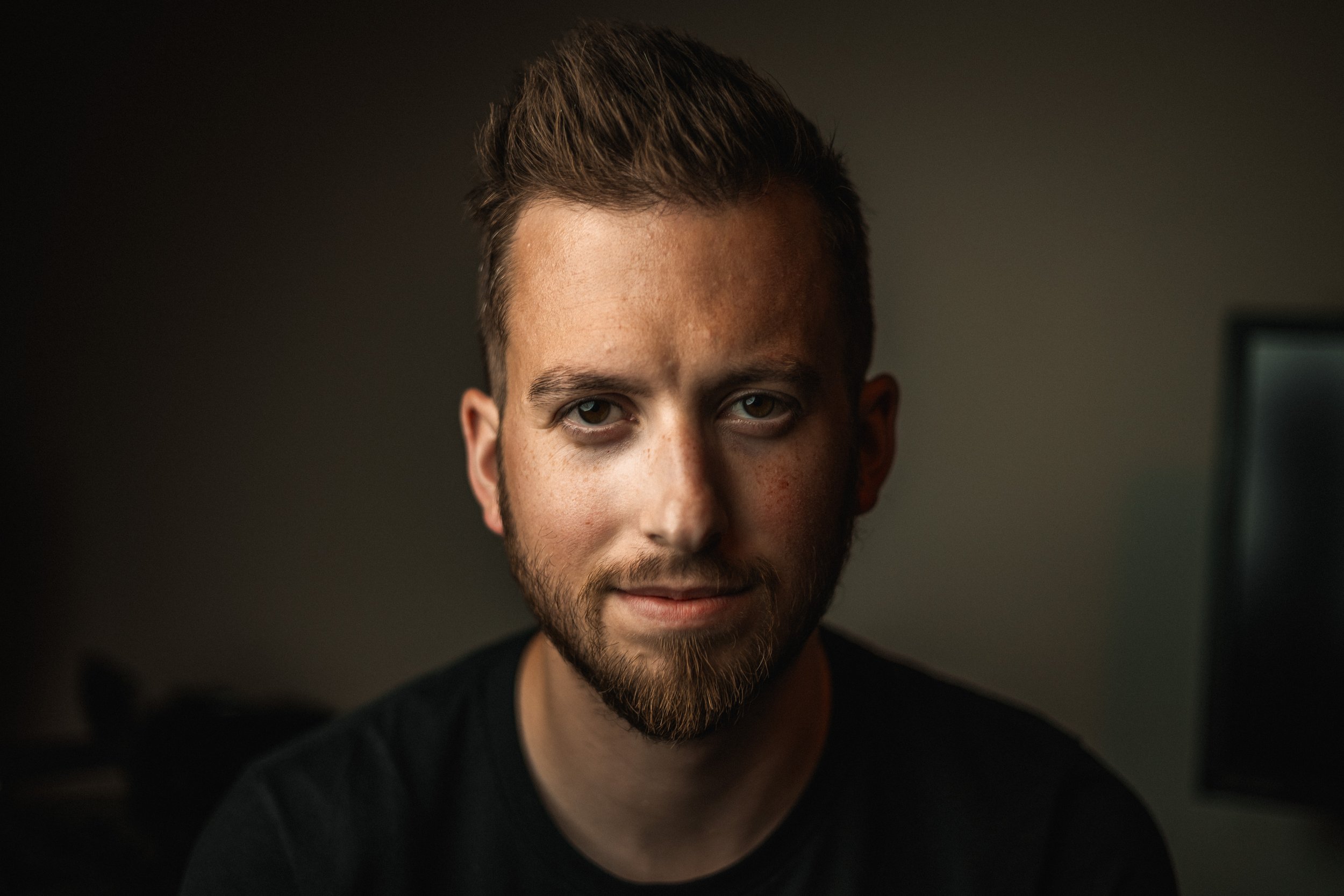
Meet Your Instructor
Michael Tobin has been taking photos and videos since he was a little boy. He has been running the Michael Tobin YouTube Channel since 2016 and has worked with brands like Apple, DJI, Blackmagic, and Google. Michael has a passion for sharing his knowledge of filmmaking and editing with his audience. He believes in accessible education which is why he created this course. So many people spend upwards of $1000 on a new iPhone and never truly find out just how powerful it is.

Interested in Another Course?

DaVinci Resolve Course

Blackmagic Pocket Camera Guide
