
Did you know?
But there’s a simple way to film breathtaking iPhone videos—
Videos that don’t just capture moments, but feelings.
With just a few easy techniques, you can turn everyday memories into cinematic keepsakes—
The kind you’ll treasure for a lifetime.
It only takes a couple of hours to learn…
And you’ll never look at your iPhone camera the same way again.



old

new

A Tool For The Pro’s
While the iPhone may not be everyones choice for A-Cam on a professional set, it is by far one of the best options for a BTS camera.
It’s compact size, versatile mounting methods, waterproof design allows it to capture unique moments of the creative process and I have used it on almost every professional project I have been a part of.
*all footage shot on iPhone
& Content Creators
Vlogging with DSLR’s and large mirrorless cameras is certainly a fun vibe, but if you want something a bit more practical, look no further than the camera that is already in your pocket.
Documenting and capturing your daily life or whatever your content creation niche is can be made even easier with filming on the iPhone.
with new professional codecs and integrations into pro editing software like Davinci Resolve, the iPhone is truly an incredible tool for content creators.
*all footage shot on iPhone
Michael Tobin
Started his career as a commercial filmmaker, helping brands and companies
advertise their products. In 2018 Michael turned full time YouTuber where
he focuses on helping people understand the latest technology and techniques
in filmmaking. Whether you are an amateur looking to up your home movie
game, or a seasoned professional, Michael’s goal is to help you best
understand the gear you have.

Your Instructor
COURSE SECTIONS
-
Optical vs Digital Zoom, Codecs, How your phones lenses are not created equal. This section makes the nerdy stuff easier to understand in a real world sense.
-
Diving into every shooting mode the native iOS camera app has to offer!
-
Here I take you through every step of understanding the BM camera app. How to use its remote monitoring features and how it integrates to DaVinci Resolve.
-
How to transfer footage to your computer. whether you have a lighting connected iPhone or the newer USB-C. Transferring hundreds of GB of ProRes doesn’t have to be stressful.
-
Here I show you how to color grade Apple LOG footage using DaVinici Resolve.
Color grading using iPhone apps (coming soon)
-
Here I show my favorite gimbals, lens add ons, filters and more. (2025 update coming soon)
-
I break down projects that were shot on iPhone.
-
so much more content coming soon! Any new phone course content is added to this course so you wont have to worry about paying for any update.
Enroll in iFilm Guide
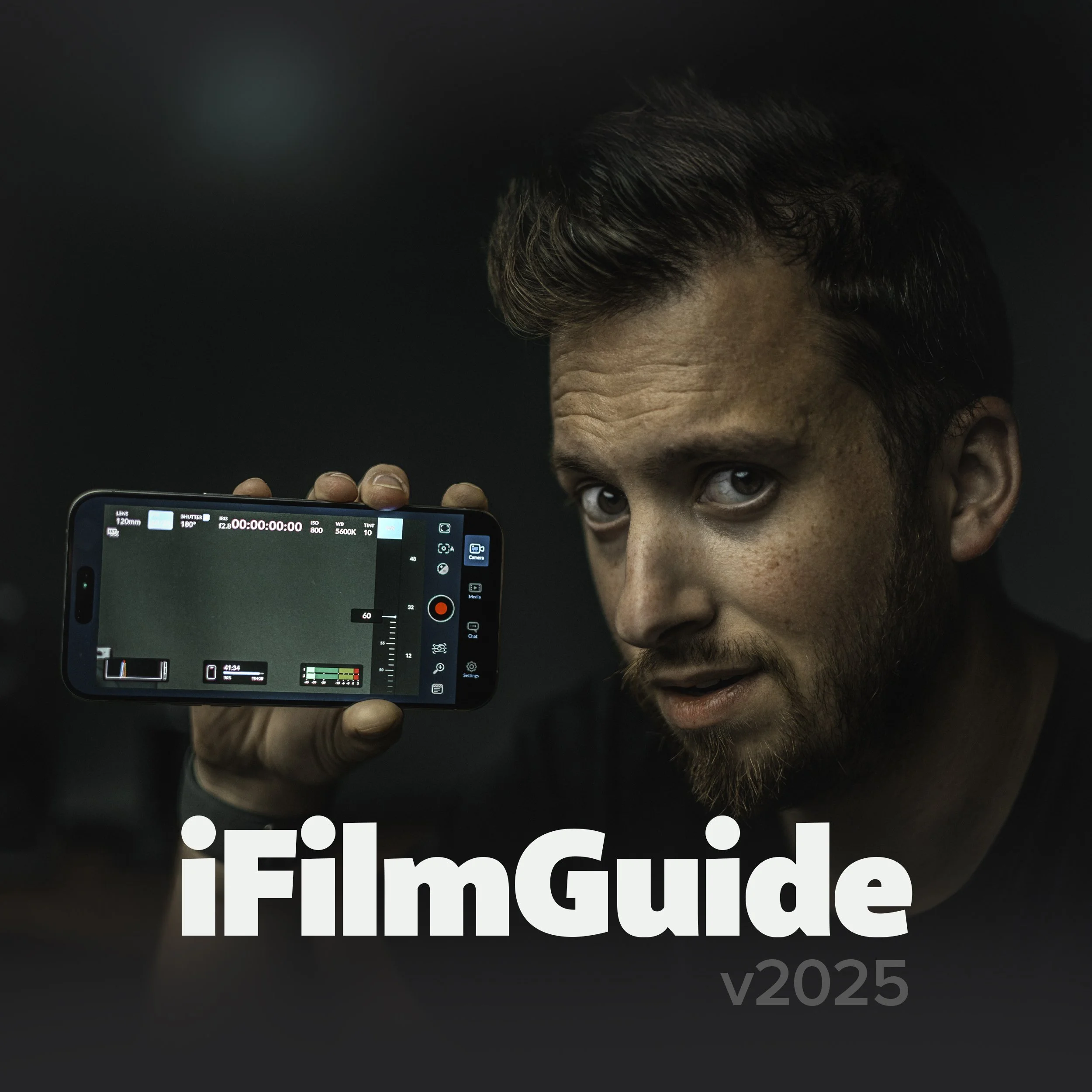
Level up your iPhone Filmmaking. Learn everything about the native camera app, Beastcam, Filmic Pro, Lighting/Composition and how to get the very best images out of the camera that's always in your pocket!
Related Courses

Get anytime access to our growing collection of classes, workshops, and exclusive content. New items added every month.

Get access to all of my guides and courses with one special price!

Everything you need to know to buy, setup, film and edit with your Blackmagic Pocket cameras.
FAQ
-
No! Once you join, you gain access to any future updates to my iPhone filmmaking guide. Even as new phones and features get released, you’ll automatically see new videos and content show up.
-
I often find most people do not utilize their phones camera the way they could. whether you’re a camera novice or a cinematographer, this is a tool that is far underutilized and this course helps show you the full potential of that little camera in your pocket.
-
Sure! While yes, this course is centered around using an iPhone. a lot of the content is more about best practices for using cameras in general and apps like the Blackmagic Camera app are also on Android with the majority same features. There is definitely room for non-iPhone users here.