


OTHER COURSES
Other courses (admittedly even my own previous resolve course) focuses on bombarding you with every feature Resolve has to offer.
this sound enticing because well…Resolve is AMAZING and has so many mainstream and lesser known features that can make your life easier.
HOWEVER, what actually happens to beginner editors and editors switching is they end up overwhelmed or confused. Being told all 7 different ways to accomplish every feature is too much information to handle right away.
The result? people end up going back to whatever software they were using before and leaving learning DaVinci Resolve for another day…again.
RESOLVE FOUNDATIONS
Foundations works differently. I treat Resolve like an Onion. First level I am going to show you how to compare the user interface with Premiere or FCPX. Showing you where the general layout of everything is, then we tap into basic video creation needs. Nothing more, nothing less. Level 2 & 3 then build upon these foundations to help you see deeper and deeper into the potential Resolve really has…..without all the overwhelm.
I re-built my Resolve guide after years of feedback from existing members and my own personal journey to becoming a professional editor.
I would tip-toe into Resolve. Use one or two tools and then retreat back to another editor. with Resolve Foundations I make it my mission that you don’t go through the same thing.
What people are saying





COURSE CONTENT
-
Walking through general layout and video creation basics using the following pages: Media, Cut, Edit and Color.
-
Dive a bit deeper into the existing pages. Showcasing faster more advanced footage workflows and some basic AI editing tools. Also introduces the Fairlight and Deliver page into our workflow.
-
You have a great base for understanding resolve. Now it’s time to get more advanced and learn some of the coolest latest features revolving around Blackmagic Cloud, Power Bins, Speed Ramping and more!
-
Everything you need to know about working with Resolve for the iPad.
-
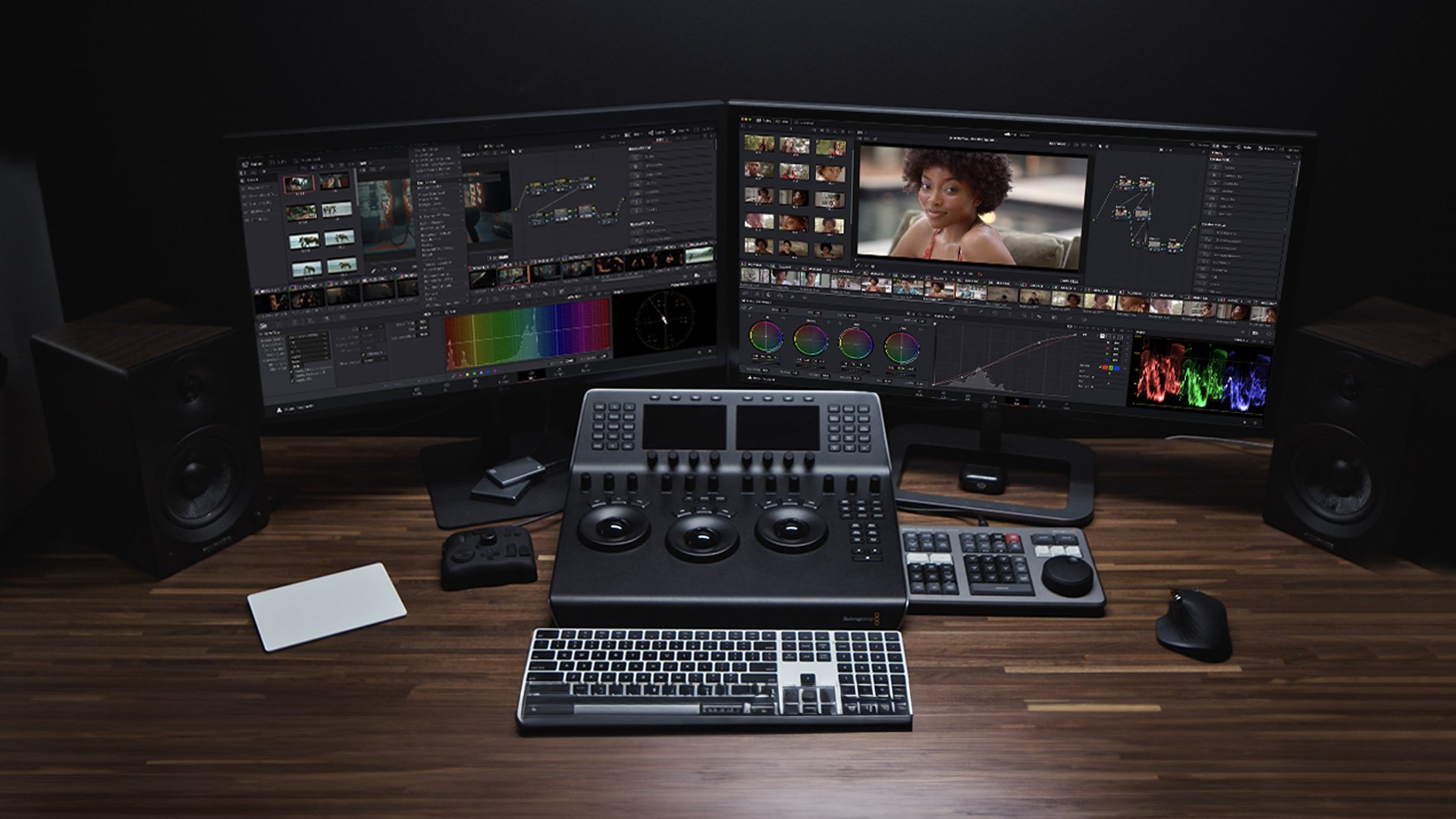
I don’t delete previous course content that could still remain helpful to members. Here I have specific videos on comparing interfaces and features to Premiere and FCPX, working with multiple monitors and so much more.
Michael Tobin
Started his career as a commercial filmmaker, helping brands and companies
advertise their products. In 2018 Michael turned full time YouTuber where
he focuses on helping people understand the latest technology and techniques
in filmmaking. An award winning cinematographer and narrative film editor.
with over 100,000+ Subscribers on YouTube and 20million views, Michael
pours his heart and soul into helping other develop their own creative style.

Your Instructor
DaVinci Resolve Foundations
Get anytime access to our growing collection of classes, workshops, and exclusive content. New items added every month.
Related Courses

Level up your iPhone Filmmaking. Learn everything about the native camera app, Beastcam, Filmic Pro, Lighting/Composition and how to get the very best images out of the camera that's always in your pocket!

Get access to all of my guides and courses with one special price!

Everything you need to know to buy, setup, film and edit with your Blackmagic Pocket cameras.
FAQ
-
NOPE! Once you are in, you’re in. Any new DaVinci Resolve workshops, courses etc you get automatically. Hundreds of existing members joined early on and have enjoyed multiple updates!
-
Foundations is not only for beginner editors. Even Pro’s switching to Resolve need to understand where the basics are. I teach the basics of the following pages: Media, Cut, Edit, Color, Fairlight & Delivery. The only people who would not benefit from Foundations is those looking for a focused module on Fusion Page.
-
this is a digital product and therefore I can’t offer a refund policy, I go to great lengths to make sure everyone is happy. if you see a gap, a feature missing from my education content, easily send me message inside the course and I will answer any specific questions or add a new video going over that topic so everyone can benefit.