
Davinci Resolve Foundations
Choosing an editing software is a very personal decision. If you’re switching over from Premiere Pro or Final Cut, this affordable course is a great resource to help get you comfortable in your new software. This course will also help you become proficient in DaVinci Resolve if you’re coming in as a complete beginner.
By the end of this course you’ll know how to use all the features of DaVinci Resolve to make your vision a reality.
Get anytime access to our growing collection of classes, workshops, and exclusive content. New items added every month.
When You join, You Will…

Learn The DR Basics
You will get a thorough overview of the following pages: Media, Cut, Edit, Color, Fairlight and Deliver.

Have Access To DR iPad Lessons
You will also have access to all lessons to learn how to edit in DaVinci Resolve on the iPad.

Get Easy Switching Instructions
If you’re coming from Final Cut Pro or Premiere Pro you’ll easily be able to transition to DaVinci Resolve.

LeaRn About Various Accessories
You’ll become comfortable connecting several different accessories and incorporating them into Resolve.

Have Access To 4K Raw Footage
You’ll have access to over 215GB of Raw Sample footage to practice your new skills.

Connect With Michael
Send questions directly to Michael & receive video responses.
What’s included…
Desktop version (4hrs)
-
Resolve is a pro app that requires quite a bit of power but still functions well on more basic machines. In this video Ill go over what the minimums are as well as what I recommend.
-
For those of you interested in switching from FCPX, in this video I will compare the two programs for layouts and features and do my best to show you the equivalent tools you’re used to from Final Cut in Resolve.
-
For those of you interested in switching from Adobe Premiere Pro, in this video I will compare the two programs for layouts and features and do my best to show you the equivalent tools you’re used to from Premiere in Resolve.
-
Resolve works in databases which is quite different from other NLE’s. In this video Ill help you understand how they work and how to manage your projects.
-
Lets get a new project setup and ready to go.
-
The media page is where you import and organize all of your footage, lets dive into your various organizational tools.
-
If you’re a fan of Final Cut’s magnetic timeline, the Cut page will be your friend. A more simplified “intelligent” editing style can be pretty cool once you understand it!
-
The Fusion page is the After Effects equivalent. From motion graphics to 3D animation and so much more. it’s crazy powerful. This module will be coming soon.
-
Let’s get down to editing on the main Edit page. Broken down into 5 different videos we talk about everything you need to know about editing in Resolve.
-
Most people join because of the color tools in Resolve. Let me tell you….thats not a bad excuse. The color tools are unlike anything else offered in editing programs.
-
The Fairlight page is where you dial in your audio. In this video I focus on what I do to get crispy audio in just a few simple steps.
-
unlike the iPads and Cut pages “quick export” feature, the deliver page is quite powerful. In this video I show you all of the ways you can export one or multiple versions of your finished videos.
-
In this video I will show you how to turn on and customize having multiple monitors for Resolve.
-
I always tell people, want to edit faster? learn keyboard shortcuts. If you want to edit EVEN faster, get editing keyboards. In this video I showcase how I use the Blackmagic Speed Editor as well as the Tourbox Neo to edit efficiently.
iPad version (1.5hrs)
-
I will go over the accessories you will need to get started on this course.
-
In this video I will help you understand how databases work on Resolve for the iPad.
-
Lets go over the basic layout and features of the Cut page.
-
I will show you how to import your footage from your internal iPad storage as well as an external hard drive.
-
Lets get a new project setup and ready to edit.
-
If you have a Blackmagic Speed Editor, I will show you how to connect it to the iPad via Bluetooth.
-
Lets jump into a new edit and better understand how to edit on the iPad.
-
B-Roll is crucial for making your content more engaging and in this video I will show you how to best insert B-Roll into your video.
-
In this video I will show you how to add different effects to your timeline.
-
Color grading on the iPad is one of my favorite experiences. I can’t wait to show you all of the best color tools to make your footage stand out.
-
In this video I showoff Resolves quick export features designed for the iPad.
-
Lagging playback? here is 5 ways to improve this and help your iPad with smoother editing.
-
Item description
-
Although Resolve for the iPad comes standard with the Cut and Color page, you can actually turn on access to the full 7 pages the full desktop version of Resolve comes with. In this video I show you how to access it.
Meet Your Instructor
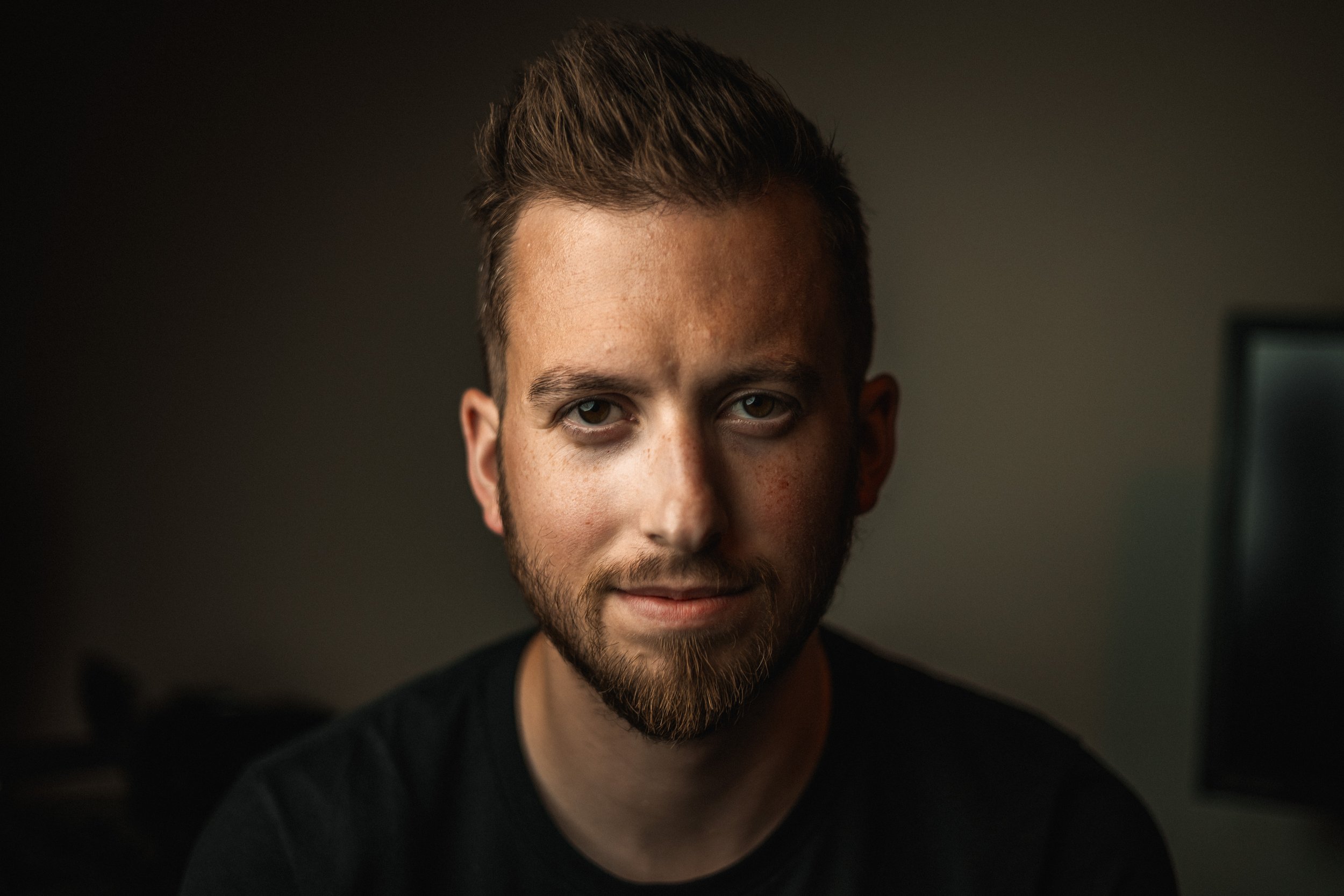
Michael Tobin has been taking photos and videos since he was a little boy. He has been running the Michael Tobin YouTube Channel since 2016 and has worked with brands like Apple, DJI, Blackmagic, and Google. Michael has a passion for sharing his knowledge of filmmaking and editing with his audience. He believes in accessible education which is why he created this course. So many people will purchase a software and then only use it within their comfort zone without knowing how to really push it as far as it can really go.