
Final Cut Pro for iPad
Apple has finally released FCPX for the iPad. In a lot of ways it stands out from other video editing apps through its unique design that you can tell is specifically designed to be held in the hands over requiring a keyboard.
With standout features like Live Drawing, adaptive soundtracks and the fluid scroll wheel, theres a lot of great things to dive into in this course. Whether you are starting fresh as a new video editor or just want an in depth look at how FCPX for the iPad can work best for you.

When You join, You Will…

Understand FCPX Layout
You will get a full breakdown into the workflow and layout of FCPX for the iPad.

download sample footage
You will be able to download sample footage to edit alongside me and see how 8K footage handles on iPad.

learn live drawing
You will be able to add creative motion drawn graphics to your videos without any keyframes.

LeaRn About Various Accessories
You’ll become comfortable connecting several different accessories and incorporating them into FCPX.

Smart Soundtracks
You will learn how to import your own music as well as edit with Apple’s smart soundtracks.

Connect With Michael
Send questions directly to Michael & receive video responses.
What’s included…
-
I will go over what you will need to get started on this course.
-
In this video I will help you understand how projects are setup in FCPX for the iPad.
-
Lets go over the basic layout and features of the edit page.
-
Learn how to best edit with FCPX for the iPad including best practices with the unique tools like the scroll wheel.
-
Lets get some titles, effects and music added to your project.
-
Pro Mode gives some extra camera settings and allows you to quickly film a clip and then add it right to your media bin.
-
Adding a voiceover has never been easier than with this new feature from the most recent FCPX for iPad update.
-
Live drawing allows you to do motion animation graphics without all of the hassle of keyframing.
-
FCPX for the iPad can handle pro codecs like ProRes RAW and has some quality color controls.
-
Lets go over the export features.

Get anytime access to our growing collection of classes, workshops, and exclusive content. New items added every month.
Meet Your Instructor
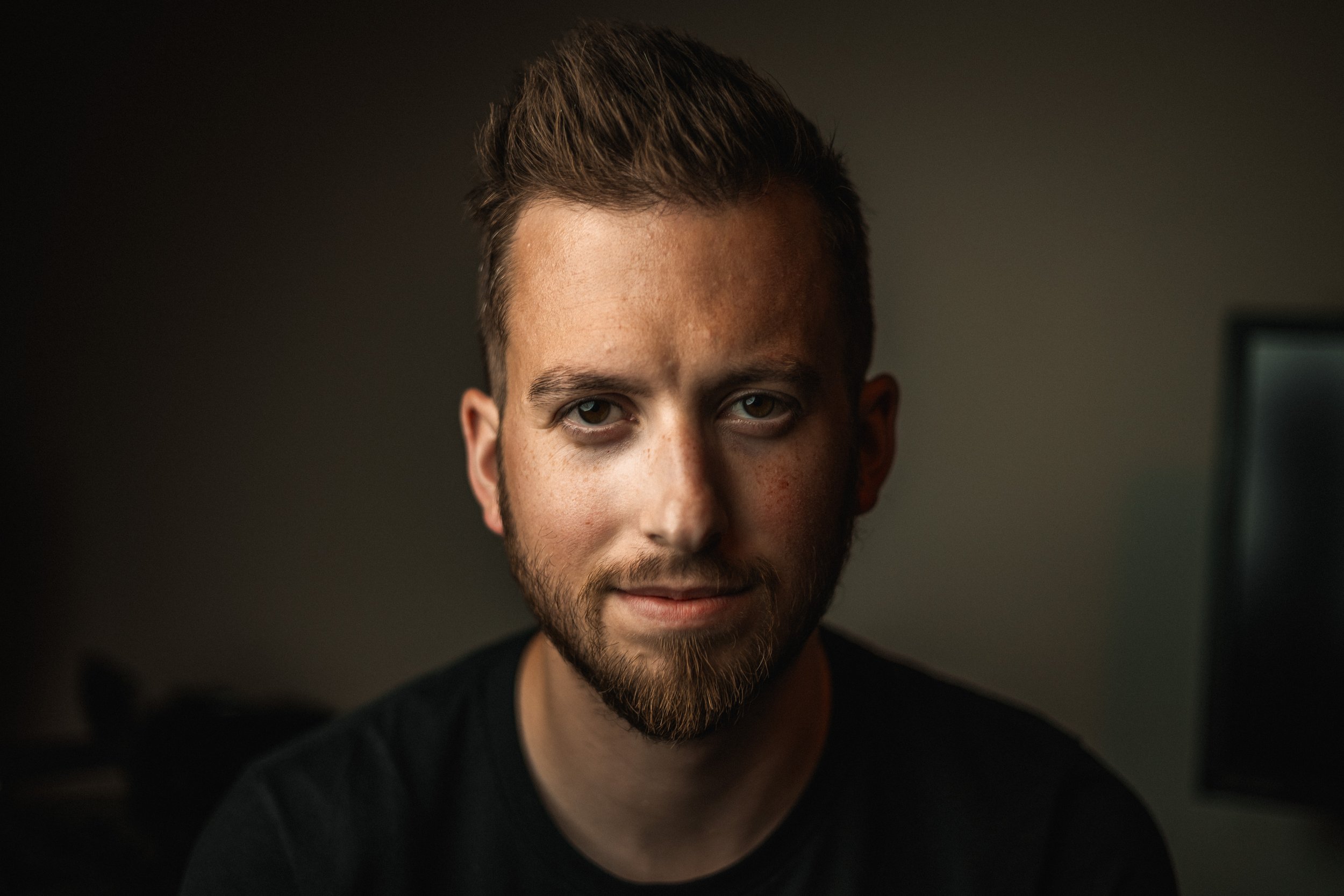
Michael Tobin has been taking photos and videos since he was a little boy. He has been running the Michael Tobin YouTube Channel since 2016 and has worked with brands like Apple, DJI, Blackmagic, and Google. Michael has a passion for sharing his knowledge of filmmaking and editing with his audience. He believes in accessible education which is why he created this course. So many people will purchase a software and then only use it within their comfort zone without knowing how to really push it as far as it can really go.